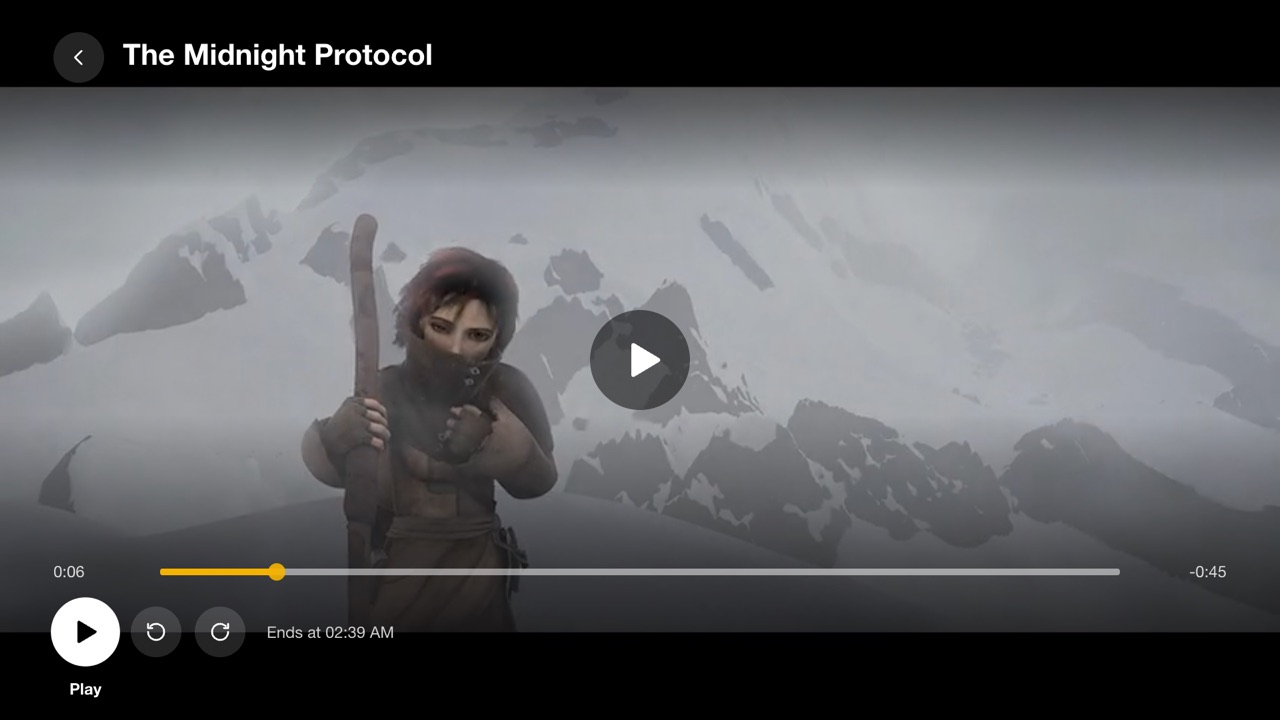
 Daisy TV
Best for movie and series fans who also watch live TV.
- Netflix-style home with rows by category
- Continue watching and next episode
- Search your whole library
- Live TV with TV guide and catch-up
- Audio and subtitle choice
DAISY TV
Two simple apps that turn the Xtream Codes or M3U subscription you already have into a TV experience anyone in the house can use. Try either free for 15 days.
Coming soon to the LG Content Store. Daisy TV and Daisy Live are players only and include no channels or content.
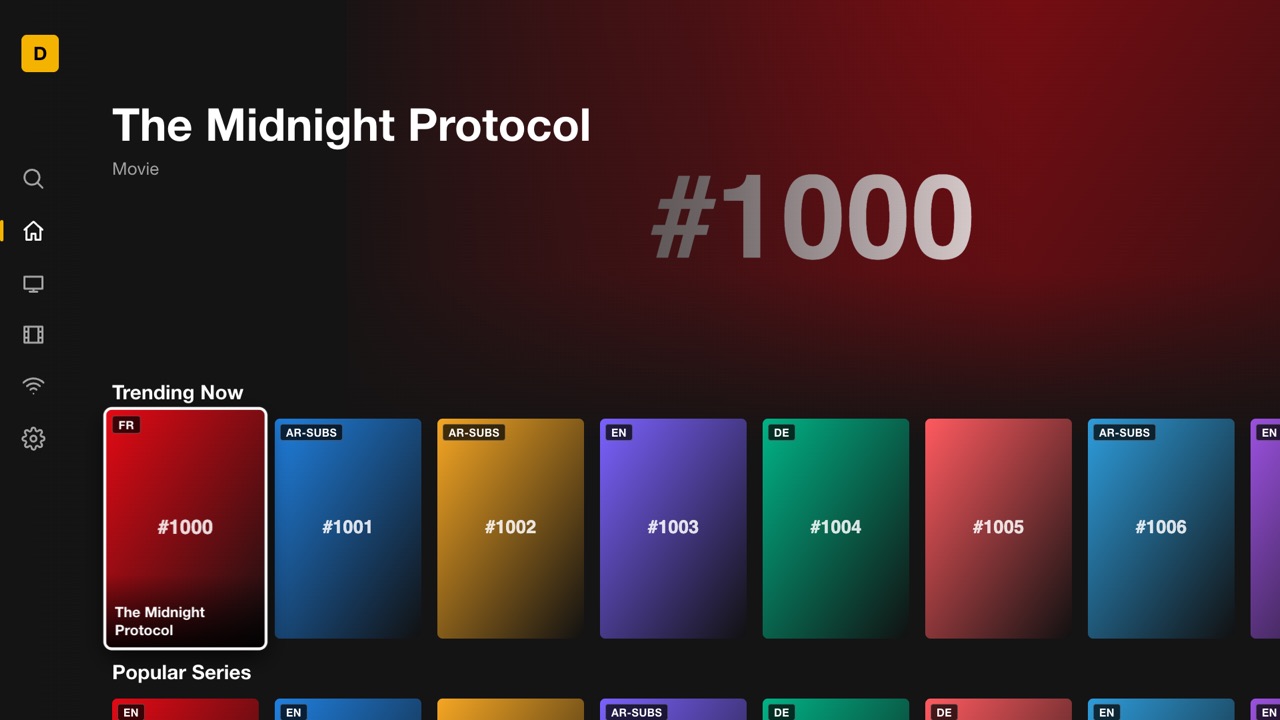 Daisy TV
Best for movie and series fans who also watch live TV.
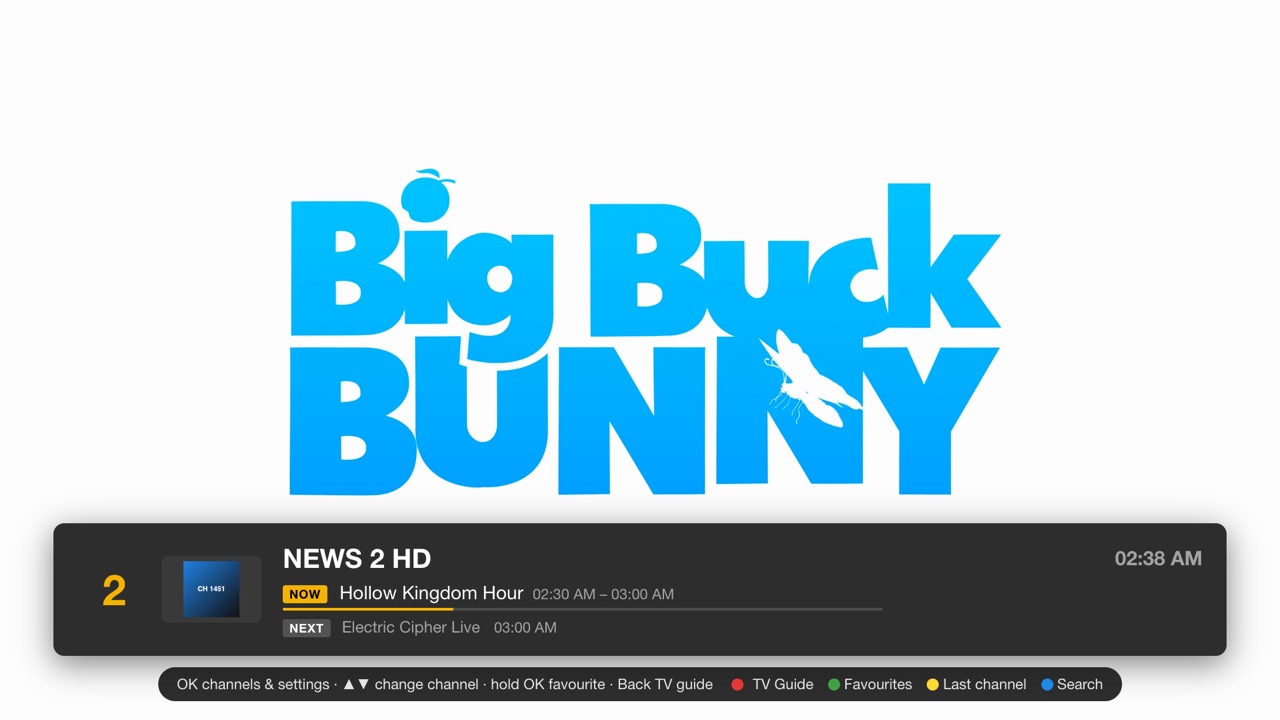
 Daisy Live
Best for people who mostly watch live channels, the way a normal TV works.
15-day free trial on every TV. No account or card needed to start.
One license per app per TV. Pay by card or PayPal on daisytv.com/tv. Your subscription with your IPTV provider is separate.
No. Daisy TV and Daisy Live are players. You need your own subscription from an IPTV provider (an Xtream Codes login or an M3U playlist). Please only watch content you have the right to watch.
LG smart TVs with webOS 6.0 or newer (most LG TVs from 2021 on).
Open the app; it shows a Device ID and key (and a QR code). Go to daisytv.com/tv, sign in with them and add your account. The TV picks it up in a few minutes, or straight away when you restart the app. Step-by-step guide
The app asks you to activate. Buy a yearly or lifetime license on daisytv.com/tv for that TV; it unlocks within moments.
No. Each app works on its own with its own trial and license. Pick the one that suits you, or try both.